 etworthcalculator
How to track your net worth
The steps are the same in a spreadsheet or an app.
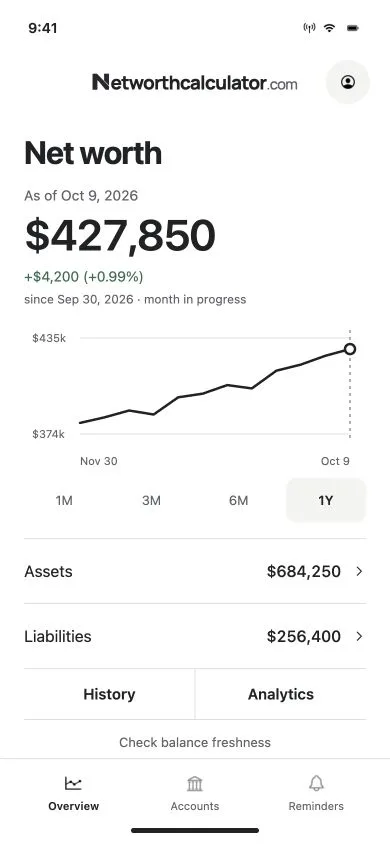
- List every account once. Checking, savings, brokerage and retirement accounts, your home, your cars, and every loan and credit card. The net worth calculator gives you a first total.
- Pick one day a month. The 1st or the last day both work. Using the same day every time keeps one month comparable with the next.
- Write down every balance on that day. Balances from different days can count the same money twice, like a card payment that has left checking but still shows on the card.
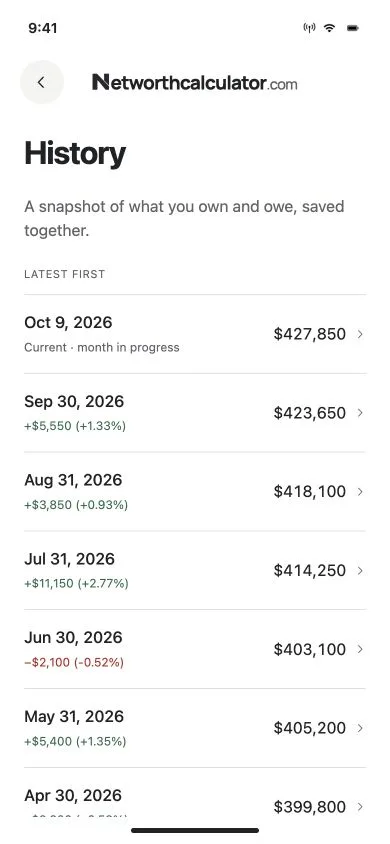
- Save the total with its date, and leave old months alone. Add a new row each month instead of typing over the last one. The history is what you’re building.
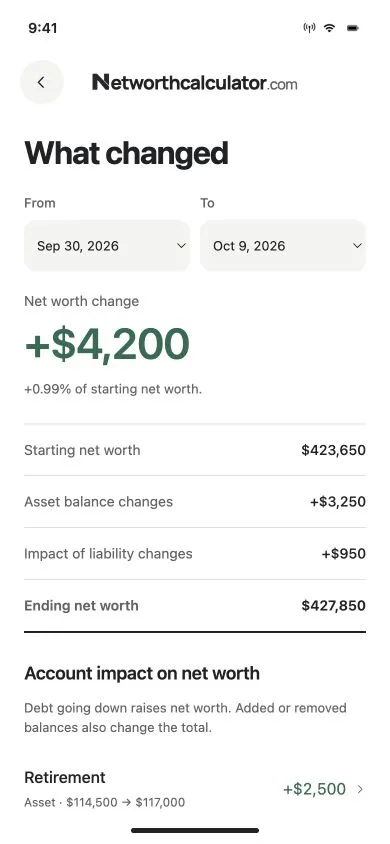
- Compare. Look at the change since last month and which account caused it. One down month after a market drop says little. A slide over several months is worth a closer look.
Once you have a total, see how it compares with the Federal Reserve’s figures for net worth by age.
Spreadsheet or app? Both work.
A spreadsheet is a fine net worth tracker if you like building one. The app is for people who’d rather not keep one up.
| Feature | Spreadsheet | Our app |
|---|---|---|
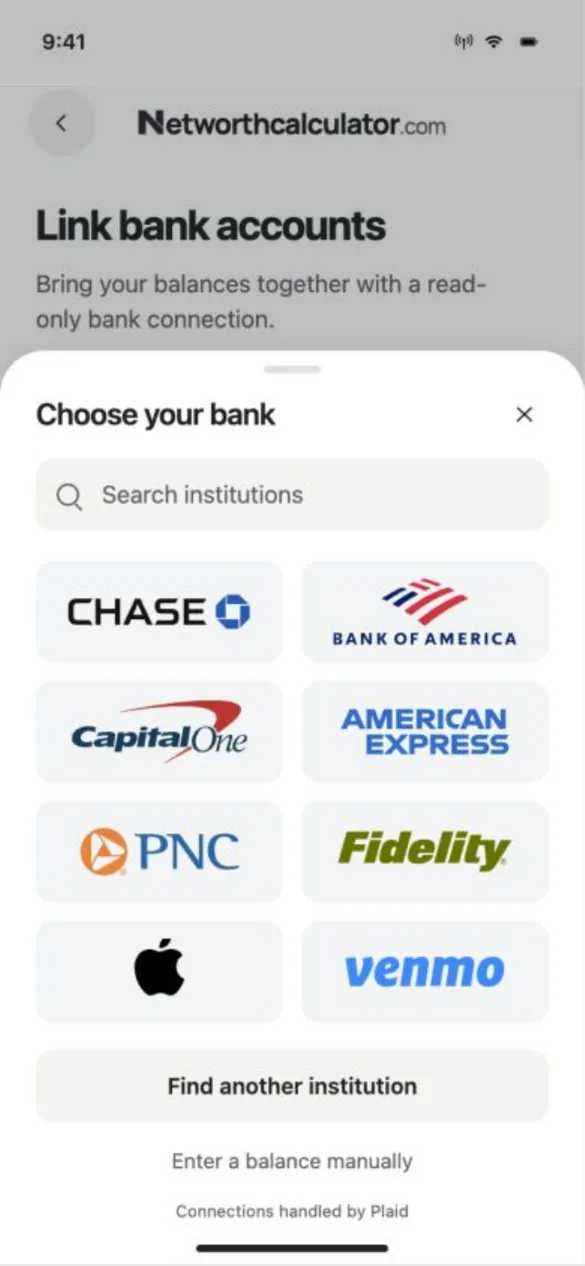
| Cost | Free | Free if you type balances in; $7 or $19 a month to sync banks |
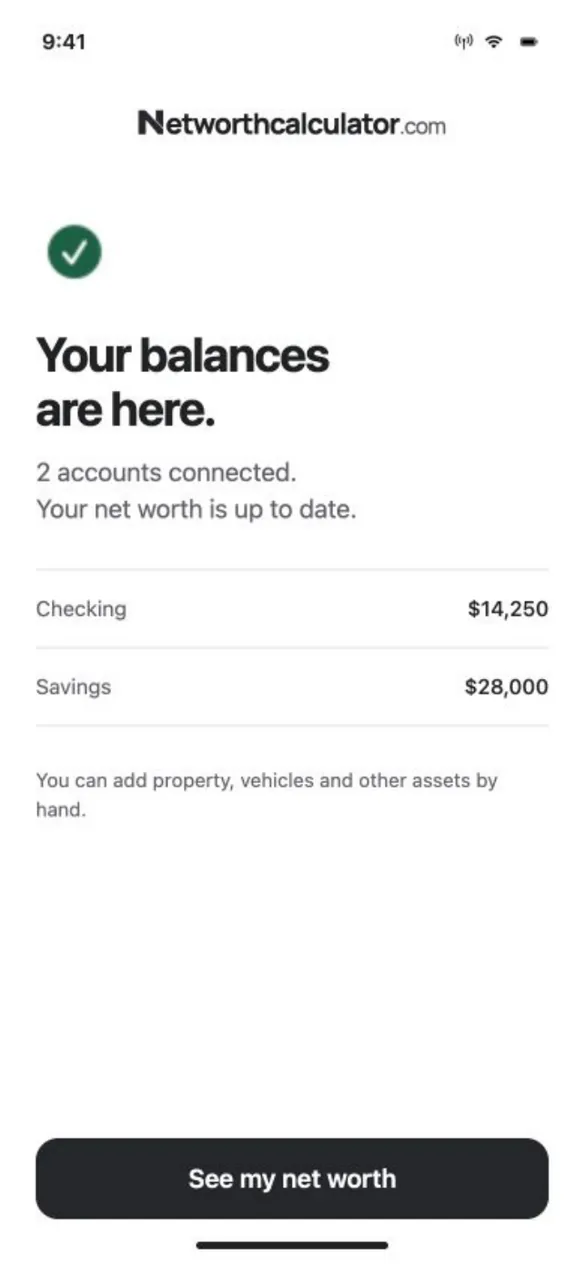
| Updating balances | You type every one | Type them, or sync supported accounts weekly |
| Monthly history | Add a row or tab each month | Saved as a dated snapshot each update |
| What changed | Write your own formulas | Pick two dates, see each account’s change |
| Layout | Anything you want | The app’s built-in views |
Pricing at launch. Typing balances in is free.
Free
$0
- Enter and update balances yourself
- Monthly snapshots and history
Essentials
$7 a month or $70 a year
- Sync up to 5 bank and investment accounts
- Balances update once a week
Plus
$19 a month or $190 a year
- Sync up to 10 accounts across up to 5 bank connections
- Weekly updates, plus tap Sync once a day
- 3-day free trial
Already use StatementsReady Pro? Plus will be included with your plan, and you’ll sign in with the same account.
A year costs the same as 10 months. Joining the launch list doesn’t start a trial or a subscription.
Questions
When does the net worth tracker launch?
We haven’t set a date. Web and iPhone come first, then Android. Join the launch list and we’ll email you when it’s ready.
Do I have to link my bank accounts?
No. Typing in your balances yourself is free. Bank syncing is optional and comes with the paid plans.
Can I track my home, car and loans?
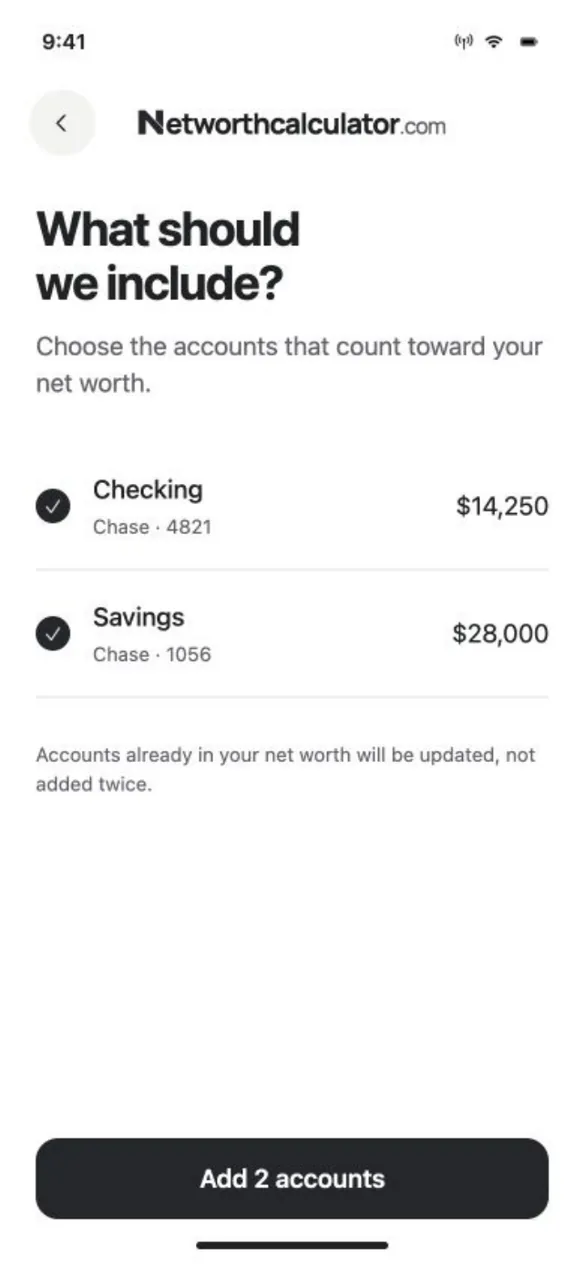
Yes. Anything a bank can’t sync, like your home’s value, a car or a private loan, you enter yourself and update when it changes.
Will my past months show up?
Your history starts the day you start tracking. The app can’t fill in months you didn’t record, so the sooner you start, the longer your chart.
Last updated
Start your history at launch
We’ll email you when the tracker is ready, so your first snapshot can be on day one.
Notify me at launch